
For businesses · Groups and events
Several people’s preparation, one clear quote.
A customer writes the number of people, the services, the place and the time for a wedding morning or a company event in one request. You answer with an itemised quote; it is not binding until the customer explicitly accepts it.

What you can do in the panel
Event and group requests
Wedding and group requests arrive in their own list; the number of people, services, place and time are written in the request.
Itemised quote
You write each item, material and any travel fee separately; you enter how long the quote is valid.
Versioned changes
Changing a quote creates a new version; the customer sees each version separately and has to accept it again.
Taking it on as a team
You can take on a large job with several professionals; an invited professional joins the team when they accept.
Messages
You write to your customer about the request; you need not send a quote before the scope is clear.
What is accepted is locked
The scope and total the customer accepted do not change on the day; an extra request is added with its own quote and its own acceptance.
Good to know
- Preliminary consultation, assessment and preparing a quote are always free for the customer.
- Online payment through Restncare is not open yet. Payment status is tracked apart from the booking; a payment shows as paid only after a transaction has actually taken place.
The partner panel
Event and quote requests
The screens are from the running partner panel; a section with no records yet appears with its own explanation.
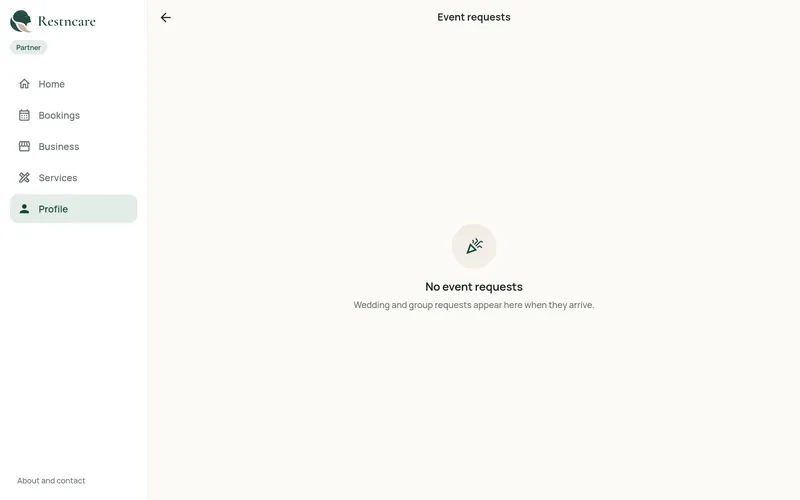
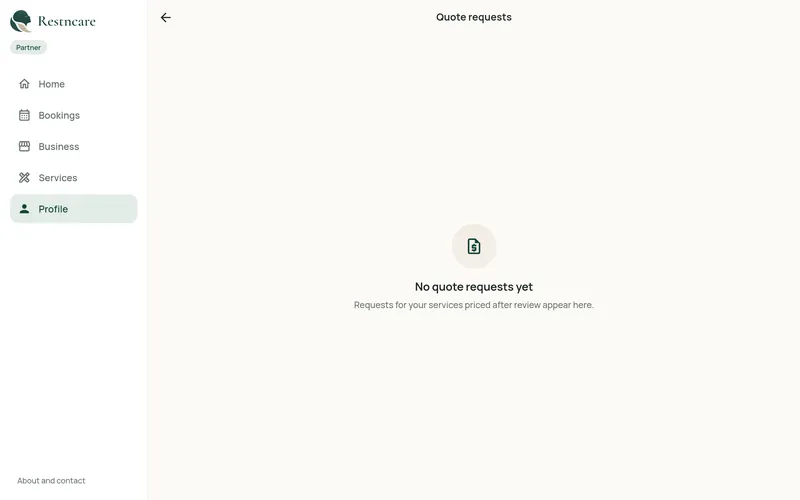
Screenshots of the Restncare partner panel. The business and staff names on them are fictional sample records, not real people or businesses.
What Restncare reviews
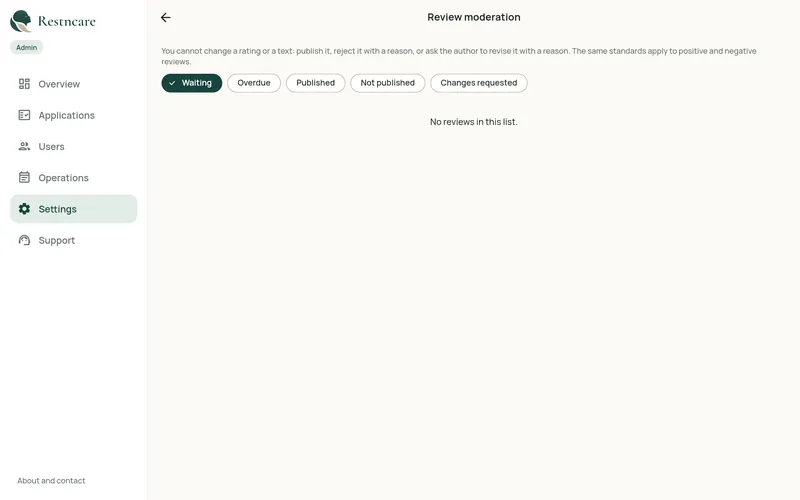
An administrator from the Restncare team reviews your application; nothing is granted before approval. Customer reviews are moderated before publication by the same standard: an administrator cannot change a rating or its text, and only publishes it or declines it with a written reason.
A screenshot of the Restncare admin panel; it shows no personal information.
Do you work at weddings and events?
Your application is reviewed; once approved, you manage event requests, your quotes and your team from the partner panel.
Other types of business
- Personal careHair salons, barbers, beauty centres and independent professionals.For businesses
- Wellness and spaRooms, equipment, packages and stock.For businesses
- Home servicesService areas, travel buffers and the daily visit plan.For businesses
- Groups and eventsWedding and group requests, itemised and versioned quotes.For businesses
- Clinic administrationReception, practitioner and room calendars, team and roles.For businesses
- Dental clinicsExamination appointments and itemised treatment quotes.For businesses