
For businesses · Home services
Spend your day on your work, not on the road.
You state which areas you travel to, your travel fee and what you need from the customer on your profile. Your calendar sets aside travel time between two addresses; customers only see times you can really make.

What you can do in the panel
Service areas
You choose the areas you travel to; if an address is outside them, no time is offered to the customer.
Travel-fee rule
Travel fee included, fixed or by area; shown to the customer as a line apart from the service. You set the rule.
Travel buffer
Travel time is added before and after a home visit; no time is given that cannot be reached between two visits.
Daily visit plan
The day’s home visits person by person, in time order; you assign a visit to a team member or remove the assignment.
Field statuses
On the way, arrived, started, done: the team marks each step itself; the time is recorded on the server.
The customer knows who is coming
The customer sees the assigned professional; if the professional changes, the customer is notified.
Good to know
- Nobody’s location is tracked or shared; travel time is a fixed buffer, and no live traffic data is used.
- How many home visits one person can take at the same time is a setting; the default is one.
- Online payment through Restncare is not open yet. Payment status is tracked apart from the booking; a payment shows as paid only after a transaction has actually taken place.
The partner panel
Daily visit plan and today
The screens are from the running partner panel; a section with no records yet appears with its own explanation.
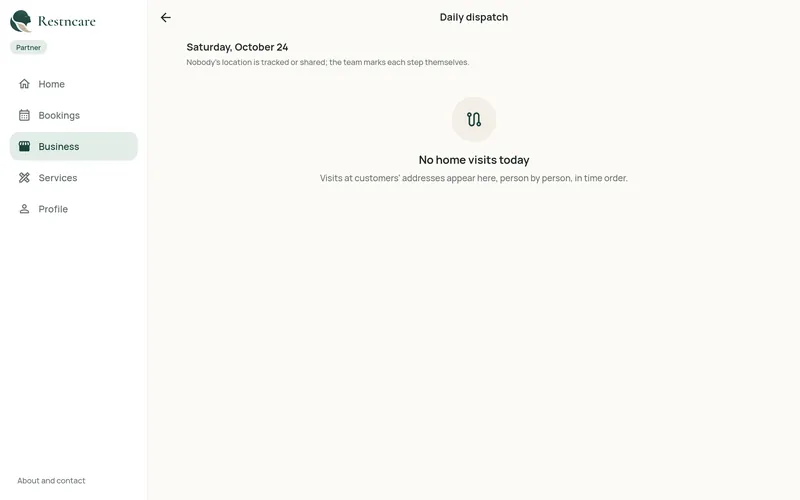
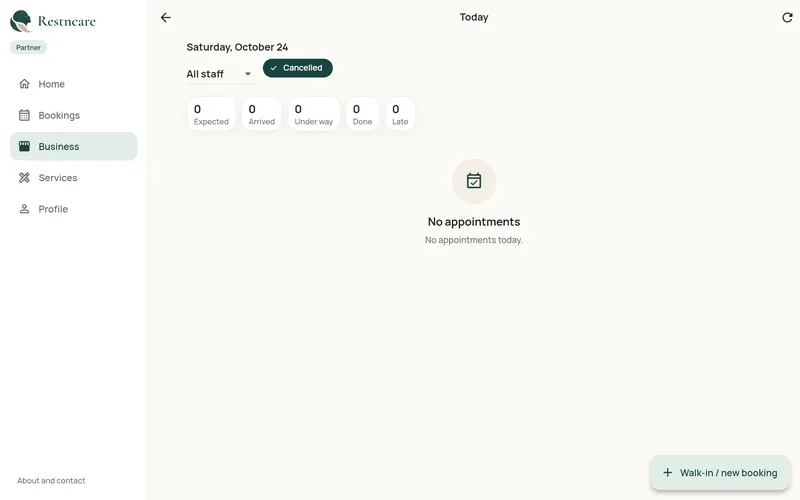
Screenshots of the Restncare partner panel. The business and staff names on them are fictional sample records, not real people or businesses.
What Restncare reviews
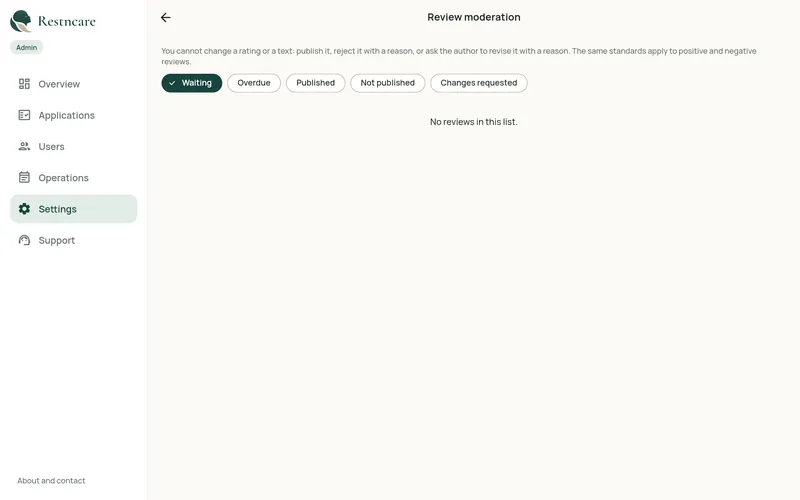
An administrator from the Restncare team reviews your application; nothing is granted before approval. Customer reviews are moderated before publication by the same standard: an administrator cannot change a rating or its text, and only publishes it or declines it with a written reason.
A screenshot of the Restncare admin panel; it shows no personal information.
Do you serve customers at home?
Your application is reviewed; once approved, you manage your service areas, travel fee and visits from the partner panel.
Other types of business
- Personal careHair salons, barbers, beauty centres and independent professionals.For businesses
- Wellness and spaRooms, equipment, packages and stock.For businesses
- Home servicesService areas, travel buffers and the daily visit plan.For businesses
- Groups and eventsWedding and group requests, itemised and versioned quotes.For businesses
- Clinic administrationReception, practitioner and room calendars, team and roles.For businesses
- Dental clinicsExamination appointments and itemised treatment quotes.For businesses