
The app
Discover, book, and let Restncare remember the rest.
You use Restncare in your browser, with the web app; the same account on your phone and on your computer. Nothing to install.
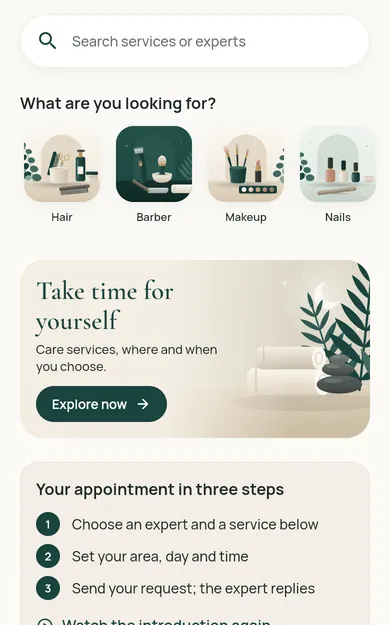
What is in the app
Discovery and map
Search by service, area and language; see businesses with a branch on the map.
Booking requests
Choose the service, the place and the time; send it seeing the amount. The booking is confirmed when the business accepts.
Quote requests
Ask for quotes for services whose price depends on the request, for groups and for events; see the quotes side by side.
My bookings and history
Upcoming, past and cancelled bookings; booking status and payment status are shown separately.
Reminders and notifications
You set your appointment reminders and notification preferences; appointment reminders are separate from marketing messages.
Your account and data
Profile, addresses, favourites, sign-in methods and security settings; you request deletion of your account from the app.
Interface
From the sign-in screen to the map
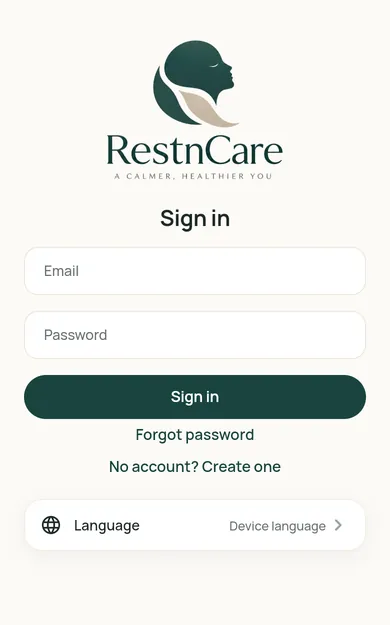
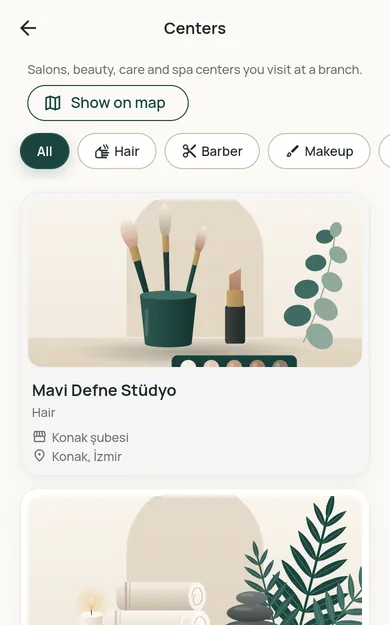
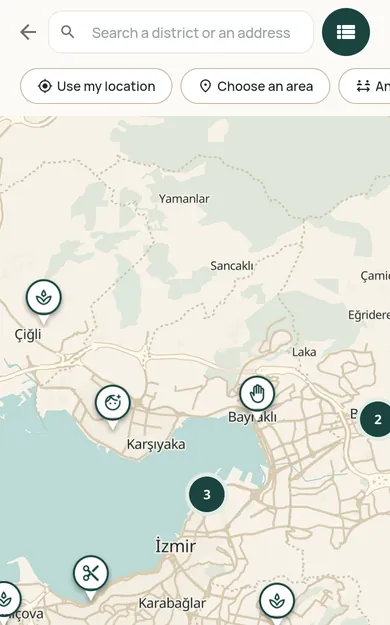
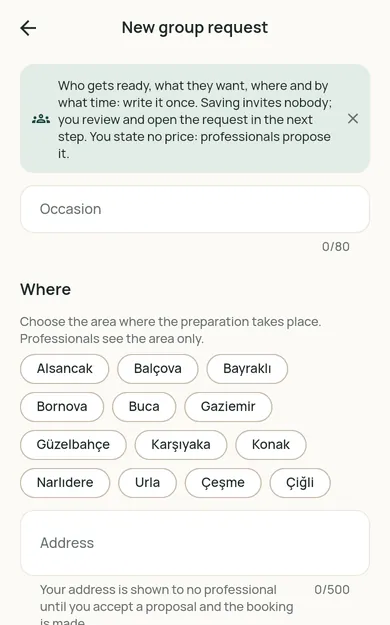
Screenshots of the Restncare web app. The business, professional and customer names on them are fictional sample records, not real people or businesses.
Businesses use the partner panel
Approved businesses and professionals manage their bookings, calendars, services and teams in the panel at partner.restncare.com.
For customers
See the options in your region
Restncare opens region by region. Once you choose your region, the content for it is shown.
For businesses
Offer your services on Restncare
Your application is reviewed; nothing is published before approval. Once approved, you run your business from the partner panel.